Seedance 2.5: How to Write a Video Prompt Without Reference Photos
Most AI video generators need a reference image. Seedance 2.5 doesn't — which means all the directing work falls on the prompt. Here's how we structure it.
- n8n
- HubSpot
- Slack
- Notion
- OpenAI
- Zapier
- QuestionPro
- SalesSheets
- Smile
The real problem: people want the prompt, not the video
We posted a 13-second video on LinkedIn generated with Seedance 2.5. No camera, no actors, no photos — just a text prompt. The reaction was great, but one question kept showing up in the comments: what was the prompt?
Fair question. With image-based video generators, the challenge is finding the right photo. With Seedance 2.5, the challenge moves entirely to language — there's nothing to visually anchor to, so the prompt has to do all the directing.
What makes Seedance 2.5 different
Most AI video tools are image-to-video: you upload a reference photo and the model animates it. Seedance 2.5, from Higgsfield, works in pure text-to-video mode — it generates the full clip from a written description, with no input image at all.
That's an advantage when you don't have the right visual asset (or don't want to show a real face). But it also raises the difficulty: the model has to invent and keep consistent everything a photo would normally provide — the face, the clothing, the setting — purely from your words.
Why it's harder without a reference photo
Without an anchor image, every part of the prompt is a decision the model can interpret differently if you leave it vague. The most common symptom is inconsistency: the character shifts slightly from one second to the next, the framing jumps, the lighting doesn't match the described scene.
The vaguer the prompt, the more "creative freedom" the model takes between shots — and that freedom almost never works in your favor.
The anatomy of a prompt that works
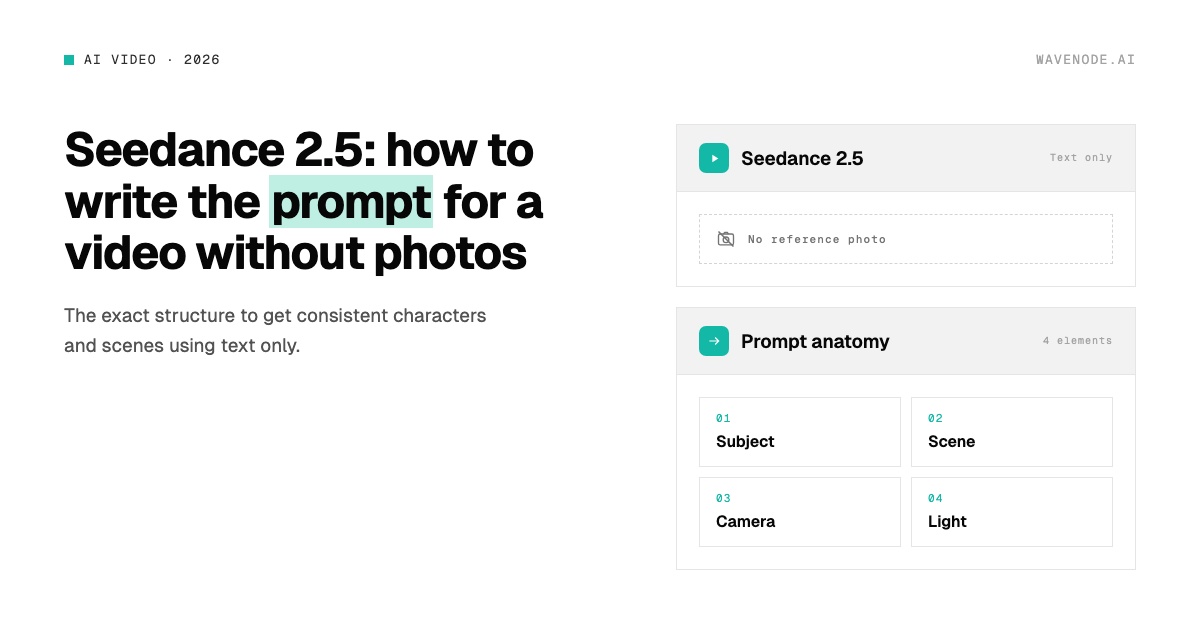
After several iterations, we landed on a 4-element structure we treat almost like a spec sheet, not a loose idea:
- Subject — specific, repeatable physical traits: approximate age, hair, clothing, accessories. No loose adjectives like "professional" or "elegant."
- Scene — location, environment details, and time of day, described the way you'd brief an art director.
- Camera — shot type and movement, in cinematography terms (medium shot, dolly-in, static) that the model interprets far more literally than generic descriptions.
- Light — source, direction, and color temperature. It's the element that gives away a generated video fastest when left to chance.
📊 Pattern we kept seeing: the more sensory adjectives and the fewer vague ones ("nice," "professional," "attractive") we used, the more stable the result was shot to shot.
| Element | Vague wording | Directed wording |
|---|---|---|
| Subject | "a professional woman" | "woman, ~30 years old, short brown hair, gray blazer, no jewelry" |
| Scene | "modern office" | "office with windows in the background, afternoon light coming in at an angle, light wood desk in the foreground" |
| Camera | "nice shot" | "static medium shot, slight 2-second dolly-in, no pan" |
| Light | "good lighting" | "warm natural light from the left, soft shadows, no backlight" |
Want to see the full structure, with the real prompt we used? It's in the free brief.
Download the brief →The mistakes that most often ruin the result
- Packing two or three different actions into one prompt — the model misjudges which one is the priority.
- Switching camera style mid-description (starting "static" and ending with implied movement).
- Using evaluative adjectives ("nice," "professional," "high quality") instead of concrete descriptions.
- Not specifying duration or pacing, letting the model decide the rhythm on its own.
- Forgetting negative constraints: what should explicitly not appear in the frame.
The 13-second video we made with this method
"No Camera. Just Text." is literally the name we gave the brief: we documented the full 7-step method we used for that video, including the exact prompt — word for word — and a template so you can build your own using the same structure.
Want to see how we actually applied it? Download the brief.
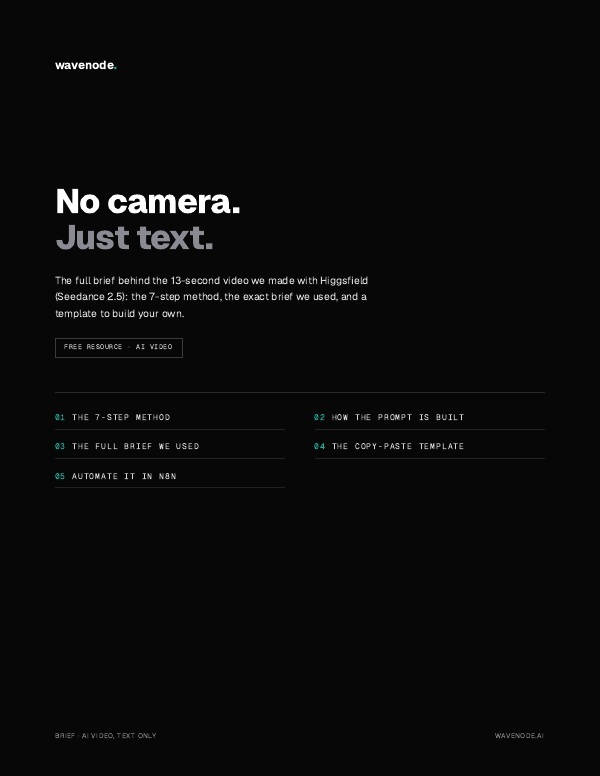
The 7-step method, the exact prompt, and the template to build your own. Free, just your name and email.
Get it here →How we put it into production with n8n
Writing the prompt is only part of it. To make this a repeatable process — not a manual experiment every time — we automated generation, review, and publishing with n8n: a flow triggers generation with the base prompt, runs the result through validation, and leaves it ready to publish without touching half a dozen different tools.
Frequently asked questions about Seedance 2.5
What is Seedance 2.5?
Seedance 2.5 is an AI video generation model from Higgsfield that creates full video clips from a text description, with no need for a reference image or photo as a starting point.
Do I need reference photos to generate an AI video?
Not with Seedance 2.5. Unlike image-to-video models, it generates the entire clip from a well-structured text prompt alone — the challenge shifts from finding the right image to writing the right description.
How do I keep a character consistent throughout the video without using a photo?
Describe the subject like a fixed spec sheet — approximate age, specific physical features, clothing, accessories — and repeat those exact details everywhere the prompt mentions them, instead of generic adjectives the model can interpret differently shot to shot.
Want the exact prompt, step by step?
Download the brief →