What Is an AI CRM? How It Works
Most CRMs are still just a database someone has to remember to update. An AI CRM does the updating, the prioritizing and a chunk of the follow-up by itself. Here's what that actually means in practice.
- n8n
- HubSpot
- Slack
- Notion
- OpenAI
- Zapier
- QuestionPro
- SalesSheets
- Smile
A CRM that works while nobody's logged in
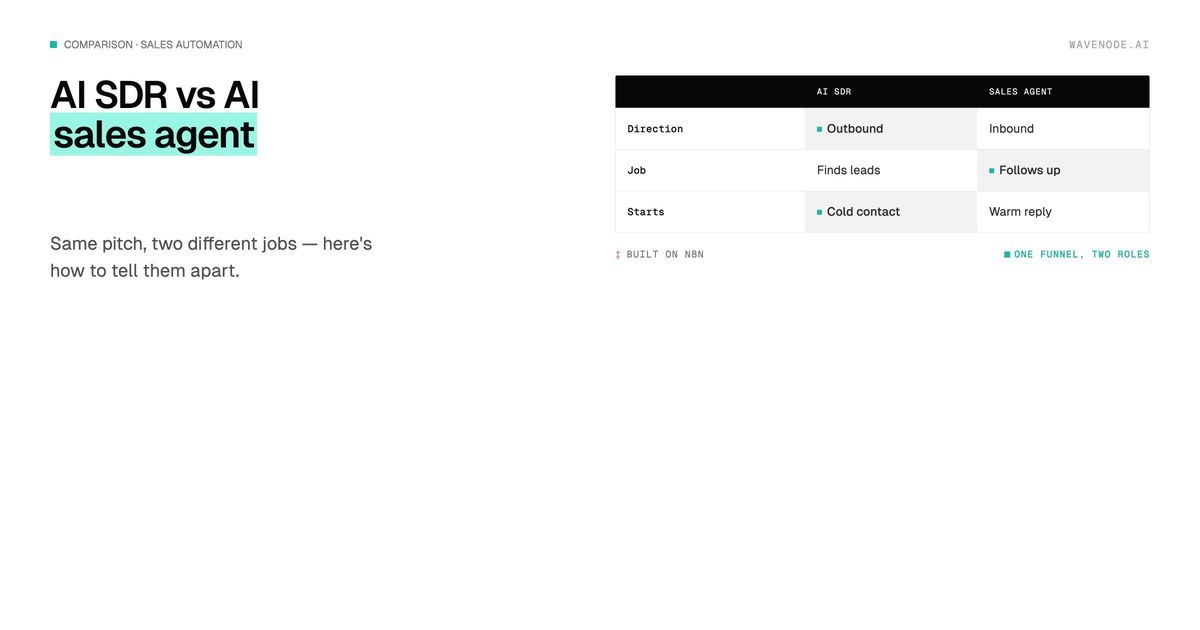
"AI CRM" gets used as a marketing label a lot, which makes it sound vaguer than it is. Strip the buzzword away and it's a specific, practical shift: instead of a rep manually logging calls, scoring leads by gut feel and remembering to follow up, the CRM does those three jobs itself — in the background, continuously, without anyone opening a tab.
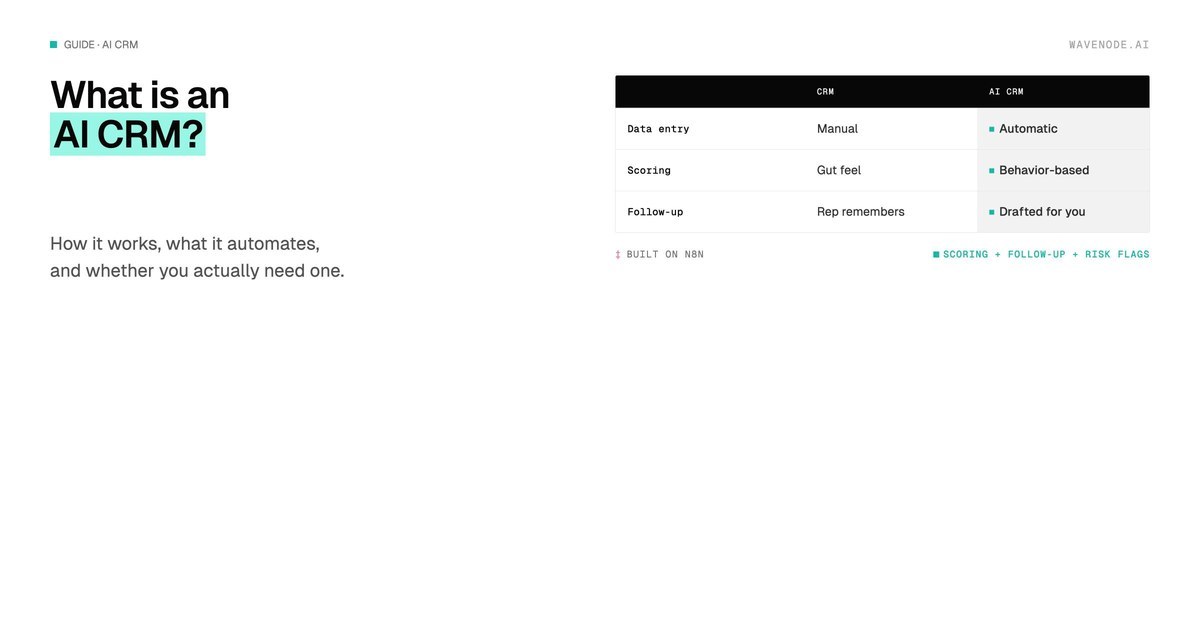
| Traditional CRM | AI CRM | |
|---|---|---|
| Data entry | Manual — rep logs calls and emails | Automatic — enriched from emails, calls, forms |
| Lead prioritization | Gut feel, or whoever's on top of the list | Scored automatically from behavior and fit |
| Follow-ups | Rep remembers — or doesn't | Drafted or triggered automatically |
| Deals going cold | Caught in a weekly pipeline review | Flagged in real time |
| Reporting | Built by hand in a spreadsheet | Live, generated from CRM data |
What "AI" actually does inside a CRM
In practice, it's a handful of specific automations layered on top of the CRM you already have, not a whole new product:
- Automatic data entry. Calls, emails and form submissions get logged and enriched on their own — no rep has to open the CRM to type anything in.
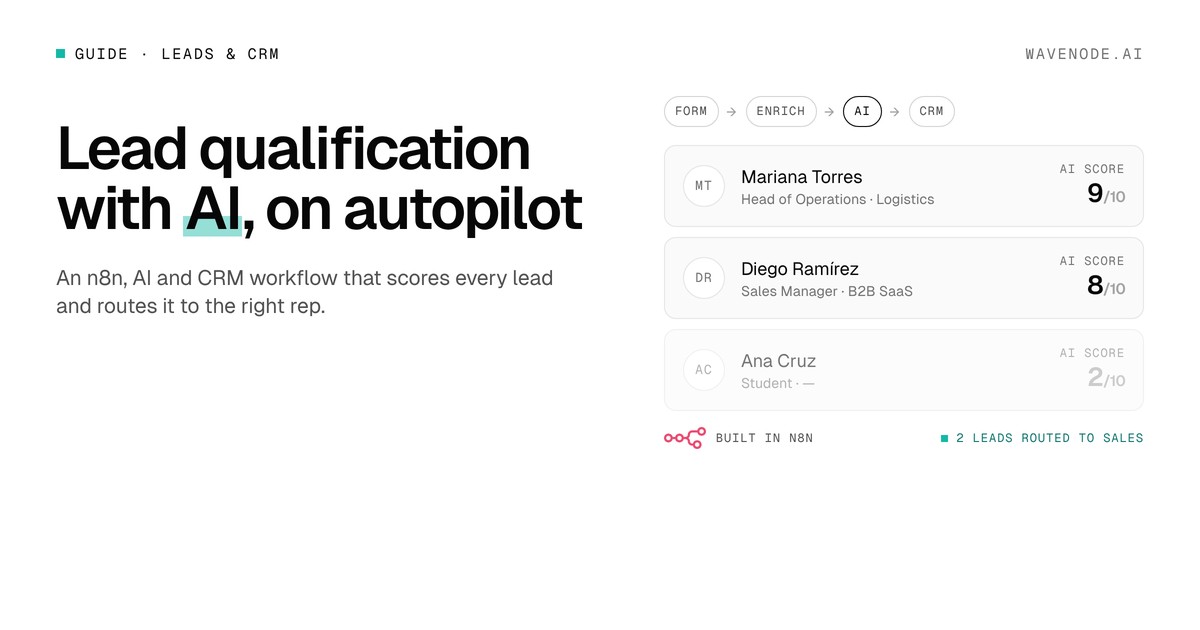
- Lead scoring. Every lead gets ranked by how closely it matches your ideal customer profile and how it's actually behaving (opens, replies, page visits), so reps work the leads worth working first. We cover this in detail in how to automate lead qualification.
- Follow-up drafts. The CRM drafts — or in some setups sends — the next follow-up based on what stage a deal is in, instead of waiting for a rep to remember.
- Risk flags. Deals that have gone quiet get flagged automatically, instead of surfacing three weeks later in a pipeline review.
💡 The part that matters: none of this requires replacing your CRM. It's automation built on top of the one you already use — the data stays where your team already looks for it.
Want to know what this would look like with your own CRM?
Get a free diagnosis →Do you actually need one?
If your team is small and every lead already gets a personal reply within the hour, you probably don't need this yet. AI CRM setups pay off once volume outpaces attention — when leads go a day or two without a response, when nobody has time to review the full pipeline weekly, or when the CRM is more a filing cabinet than a working tool. That's usually a company doing a few dozen leads a week or more.
How we build this on n8n
We don't sell a standalone AI CRM product — we build the automation layer on top of the CRM you already have (HubSpot, Pipedrive, or whatever your team is in), using n8n workflows that read from and write back to it. Scoring, enrichment, follow-up drafts and risk flags all run as connected steps in one pipeline instead of four separate tools. That's what we cover in AI CRM services.
Where to start
Don't try to automate everything at once. Start with whichever manual step costs your team the most hours — usually data entry or lead scoring — get that one workflow live and proven, then layer in follow-up drafts and risk flags once the first piece is working. Most teams see the automation pay for itself before the second workflow ships.
FAQ: AI CRM
What is an AI CRM exactly?
A regular CRM with automation layered on top: it enriches and logs contact data automatically, scores leads based on behavior, drafts or sends follow-ups, and flags deals going cold — instead of a rep doing all of that by hand.
Do I need to replace my current CRM to add AI?
Usually not. Most AI CRM capabilities can be built as automation workflows on top of HubSpot, Pipedrive or whatever CRM you already use, instead of migrating to a new platform.
How long does it take to add AI to an existing CRM?
A single workflow, like automatic lead scoring or follow-up drafts, typically takes one to two weeks to design, connect and test. A fuller setup covering scoring, enrichment and risk flags together usually runs three to six weeks.
Curious what AI could automate in your CRM specifically?
Book a call →